
Interactive Flat Panels
All-in-one interactive displays for teaching, presentations, meetings, training, and team collaboration—planned around the room, users, and required system configuration.
Bring display, touch, writing, and sharing together
An interactive flat panel combines a large-format display with touch interaction and digital collaboration tools. It can support lessons, presentations, whiteboarding, content sharing, and group discussion from one central screen.
SKV helps match the display size, operating system, connectivity, mounting method, and optional modules to the actual teaching or meeting environment.
- Interactive writing
- Presentations and annotation
- Wireless content sharing
- Teaching and team collaboration
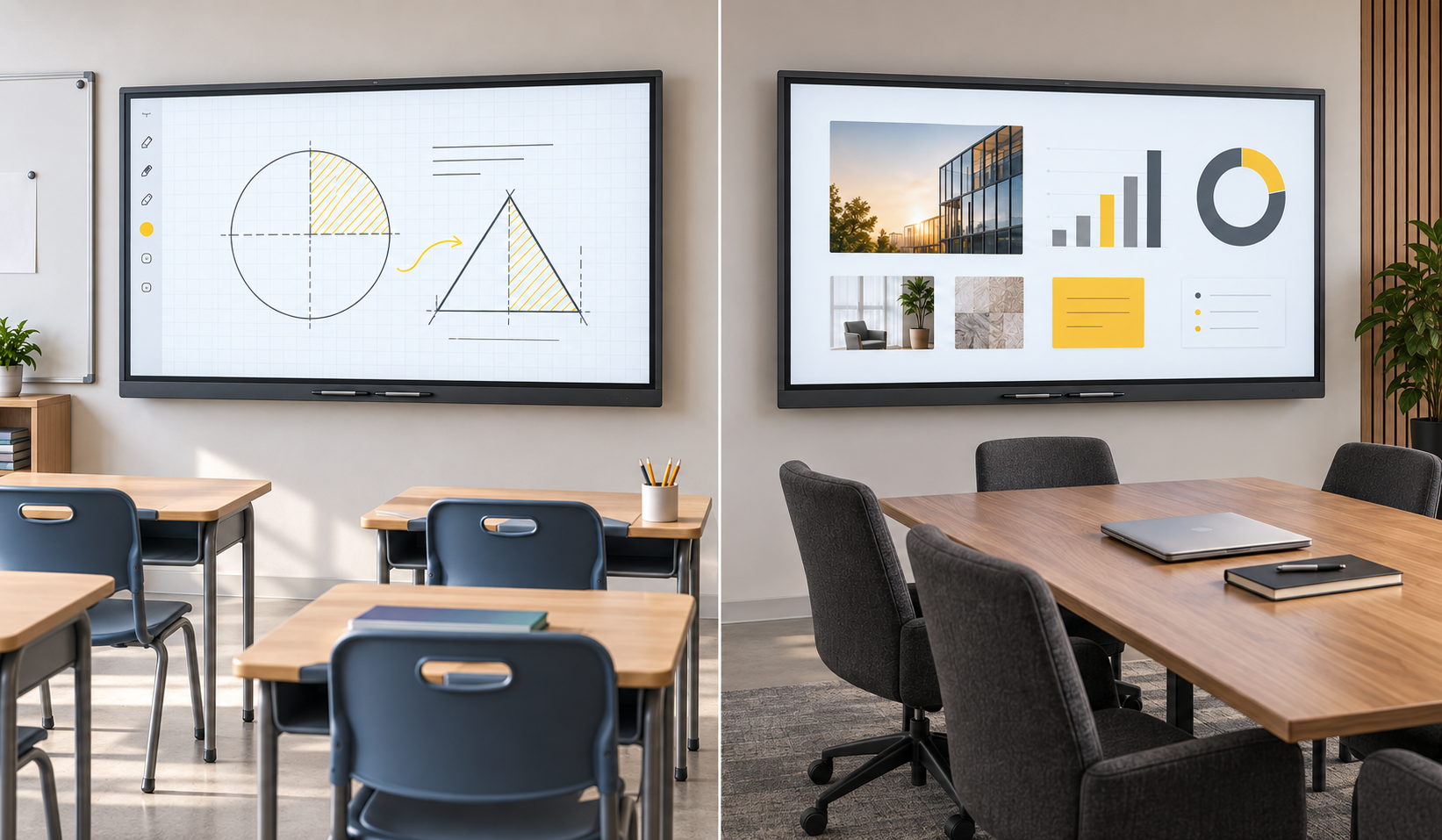
One clear product line, configured to fit the project
Our current product structure focuses on the Infrared Interactive Flat Panel. Screen size and system options are treated as configurations—not separate product categories.
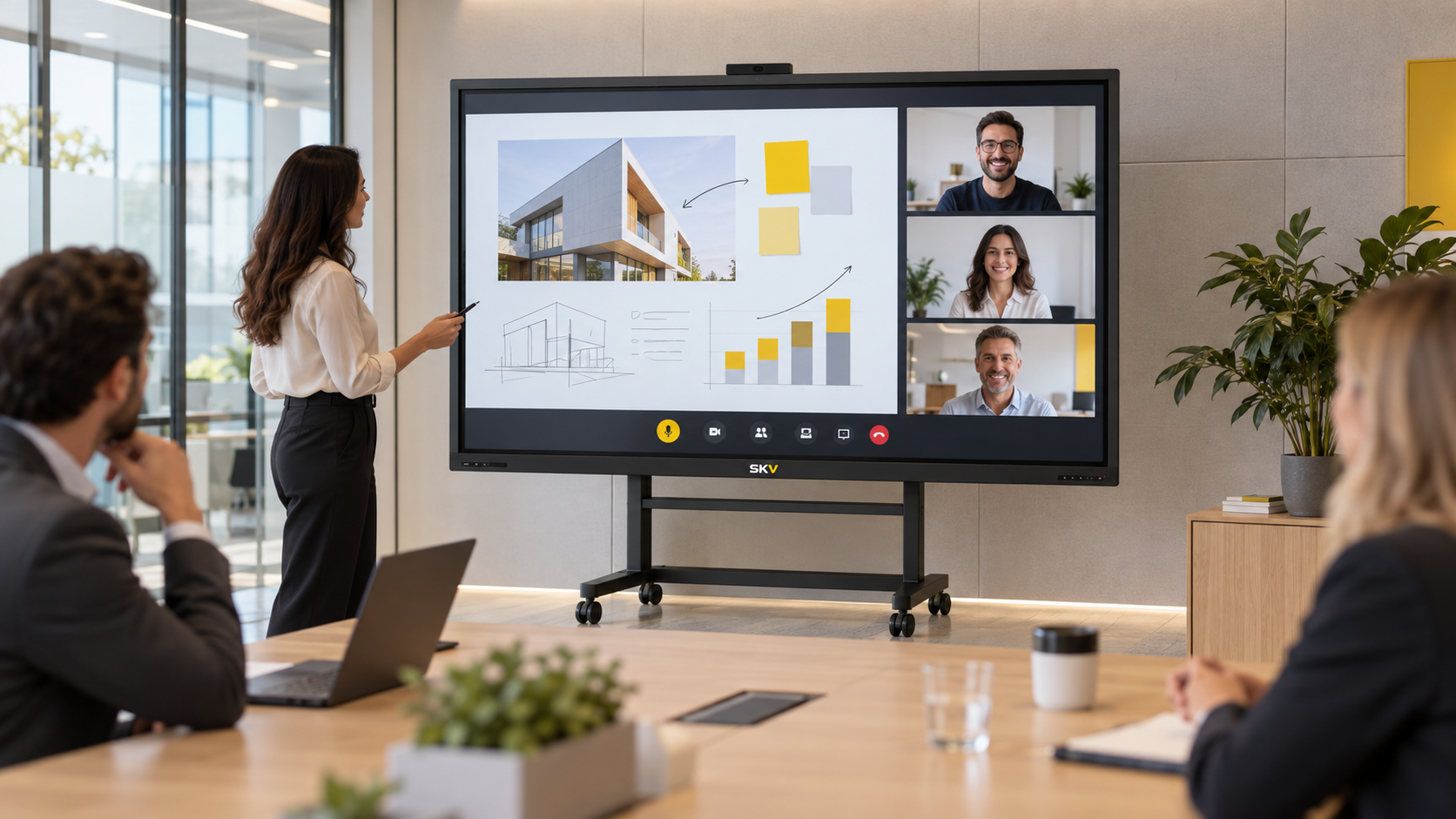
Infrared Interactive Flat Panel
An all-in-one interactive display designed for teaching, presentations, training, and collaborative meetings. Final functions and hardware configuration depend on the selected model.
One product platform, two focused solutions
Education and corporate meetings are two application paths within the same IFP product platform. Compare the typical workflow and configuration priorities for each environment below.
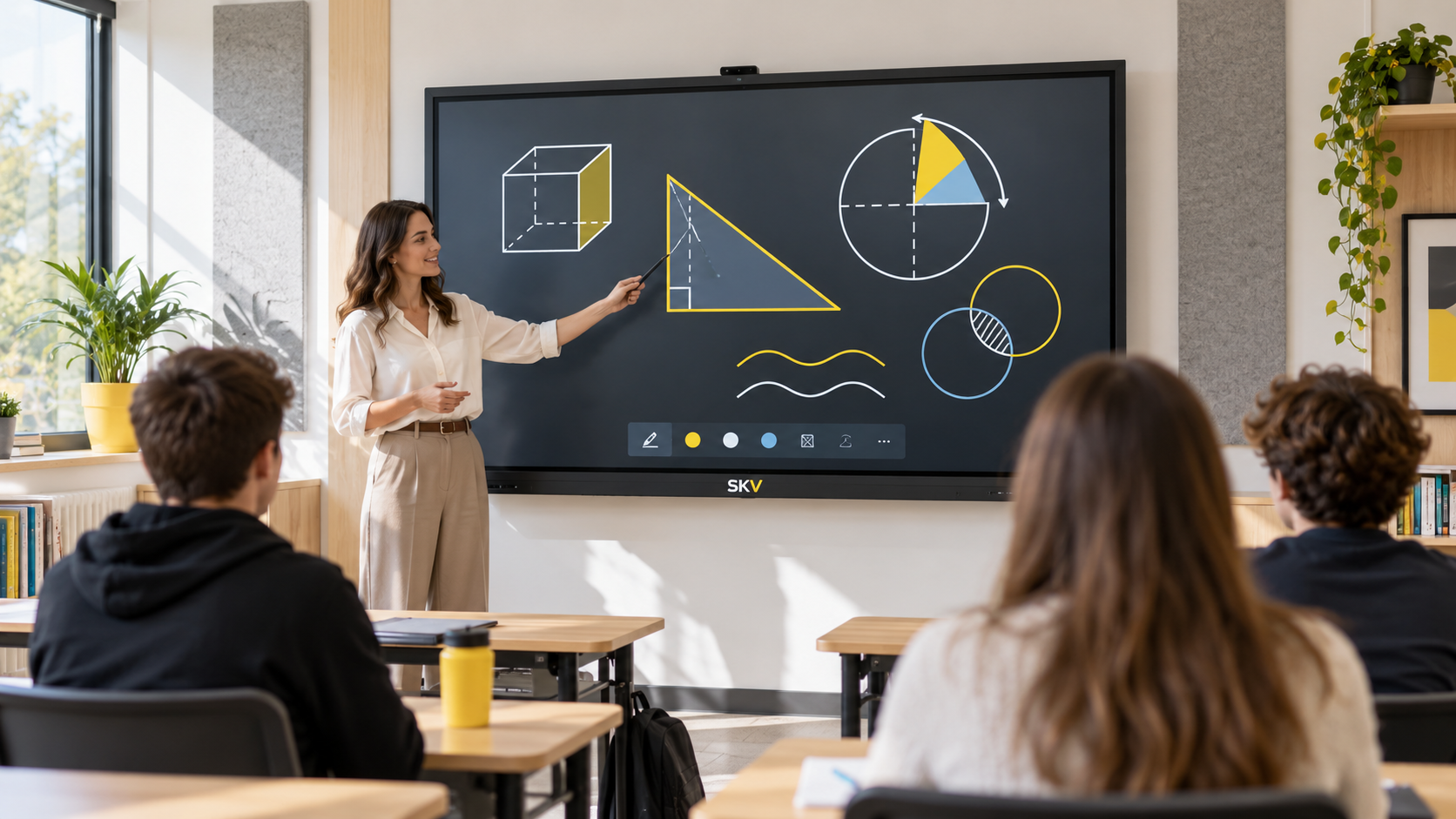
Education & Training
Support interactive lessons, visual explanation, annotation, content sharing, and group participation in classrooms and training rooms.
Plan an education display
Corporate Meetings
Bring presentations, annotation, wireless sharing, discussion, and optional conferencing tools together in meeting and collaboration spaces.
Plan a meeting-room displayHow to choose an interactive flat panel
These six decisions help identify a practical configuration before requesting a quotation.
Designed for interaction and collaboration
Available functions vary by model, system configuration, and selected accessories.
Interactive Writing
Write, annotate, explain, and develop ideas directly on the screen with compatible tools.
Content Sharing
Connect and present content through the wired or wireless options supported by the model.
Built-In System
Use the integrated platform for everyday display and interactive workflows where supported.
Optional Computing
Add a compatible computer module where Windows applications or specific workflows are required.
Audio Options
Plan built-in or external audio around the room size, audience, and conferencing needs.
Flexible Installation
Choose fixed wall mounting or a compatible mobile stand based on how the room is used.
Plan the configuration—not just the screen size
Use this table as a project checklist. Confirm exact values against the selected product model.
| Configuration | Common Choices | Selection Consideration |
|---|---|---|
| Screen size | Supplier-confirmed size options | Room dimensions, viewing distance, and audience size |
| Touch system | Infrared touch configuration | Writing style, number of users, and required touch behavior |
| Built-in platform | Model-dependent operating system and hardware | Apps, security, device management, and daily workflow |
| Optional computer | Compatible OPS or external computer where supported | Windows software, processing requirements, and IT policy |
| Camera & microphone | Integrated or external options by project | Room layout, video meeting platform, and pickup distance |
| Mounting | Wall mount or compatible mobile stand | Wall structure, room flexibility, cable routing, and safety |
Complete the display around the room
Separate standard accessories from optional modules in every quotation.
Mounting
Wall-mount bracket or compatible mobile stand, selected for the installation.
Touch Pens
Compatible writing pens and any model-specific pen accessories.
Computing Module
Optional OPS or external computer where the selected model supports it.
Conference Equipment
Camera, microphone, speaker, and connection accessories as required.
Interactive flat panel FAQ
What is an interactive flat panel?
Is the same product suitable for classrooms and meeting rooms?
Should different screen sizes be treated as different products?
Can an interactive flat panel use Windows?
Can it be used for video meetings?
What information is needed for a quotation?
Tell us about your interactive display project
Share the room, application, quantity, system requirements, and installation needs. We will help narrow the appropriate configuration.