
Digital Signage Solutions
Flexible commercial display systems for retail, restaurants, reception areas, corporate spaces, and public environments—planned around your content, installation, and operating needs.
Put the right content in the right place
Digital signage helps businesses present promotions, menus, wayfinding, announcements, and branded content through professional commercial displays.
SKV helps match the screen format, mounting method, media source, and content workflow to the space, so the final system is easier to operate and scale.
- Landscape or portrait layouts
- Single or multi-screen projects
- Local or networked content
- Wall or floor installation
Types of Digital Signage Systems
Compare our current display formats, then open the dedicated product page for more details.
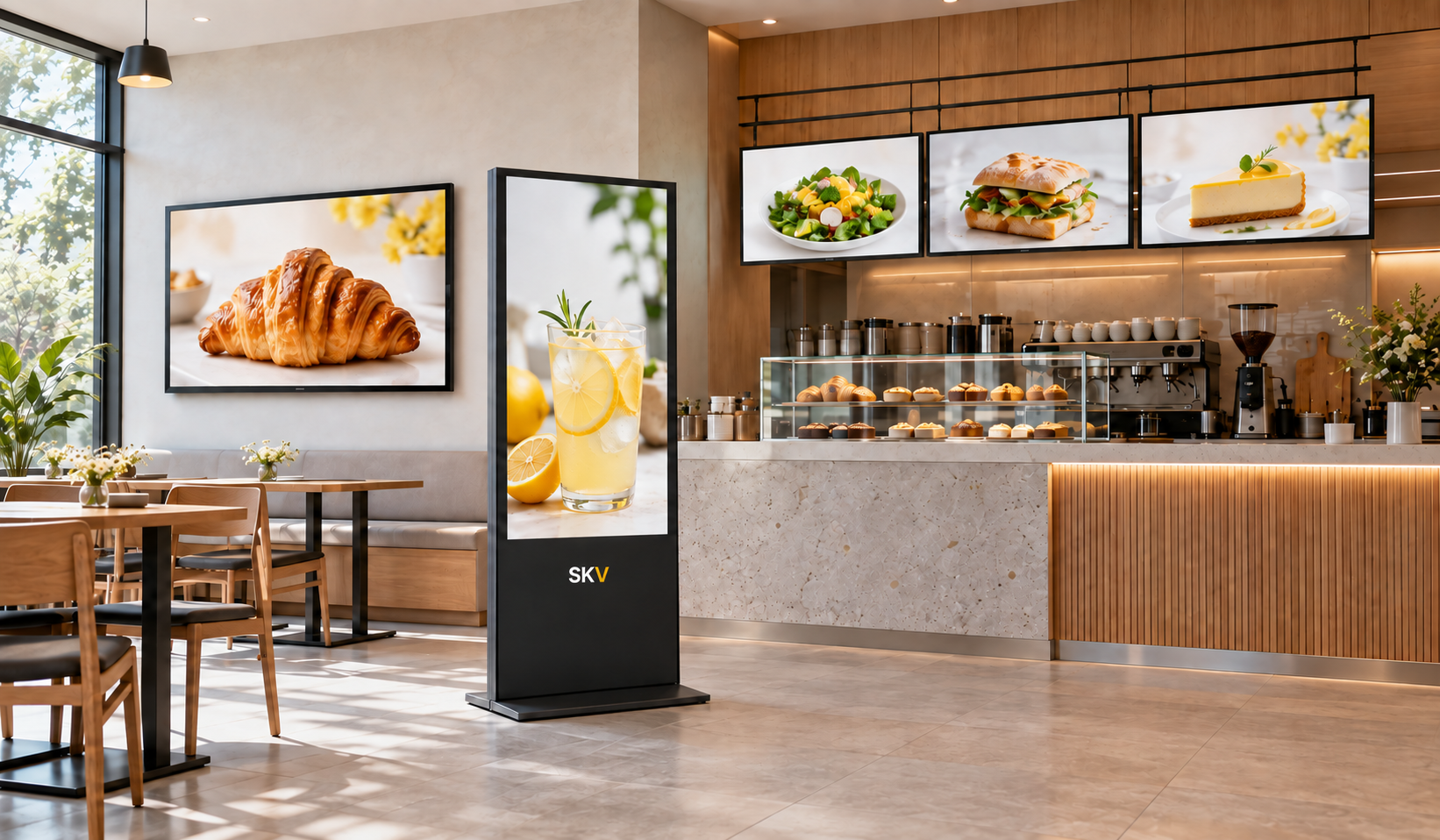
Wall-Mounted Digital Signage
A space-efficient format for presenting promotions, information, branded content, and customer guidance on walls throughout commercial environments.
Best suited for
- Landscape or portrait options
- Space-saving wall installation
- Local or networked content options
- Configuration selected by project
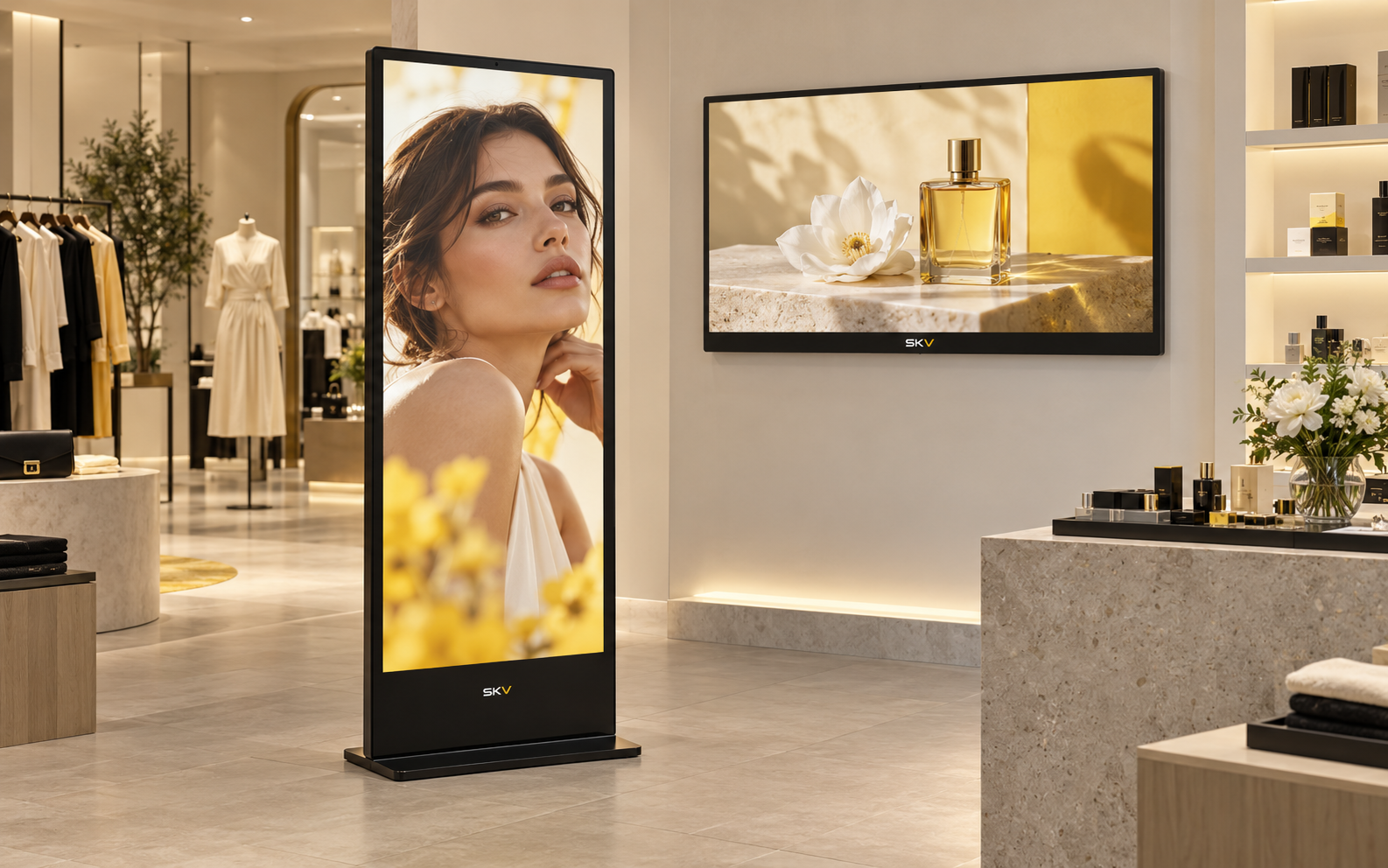
Floor-Standing Digital Signage
A highly visible freestanding format for entrances, showrooms, retail areas, exhibitions, and other locations where wall installation is not preferred.
Best suited for
- High-visibility vertical format
- Freestanding installation
- Flexible placement planning
- Media options selected by project
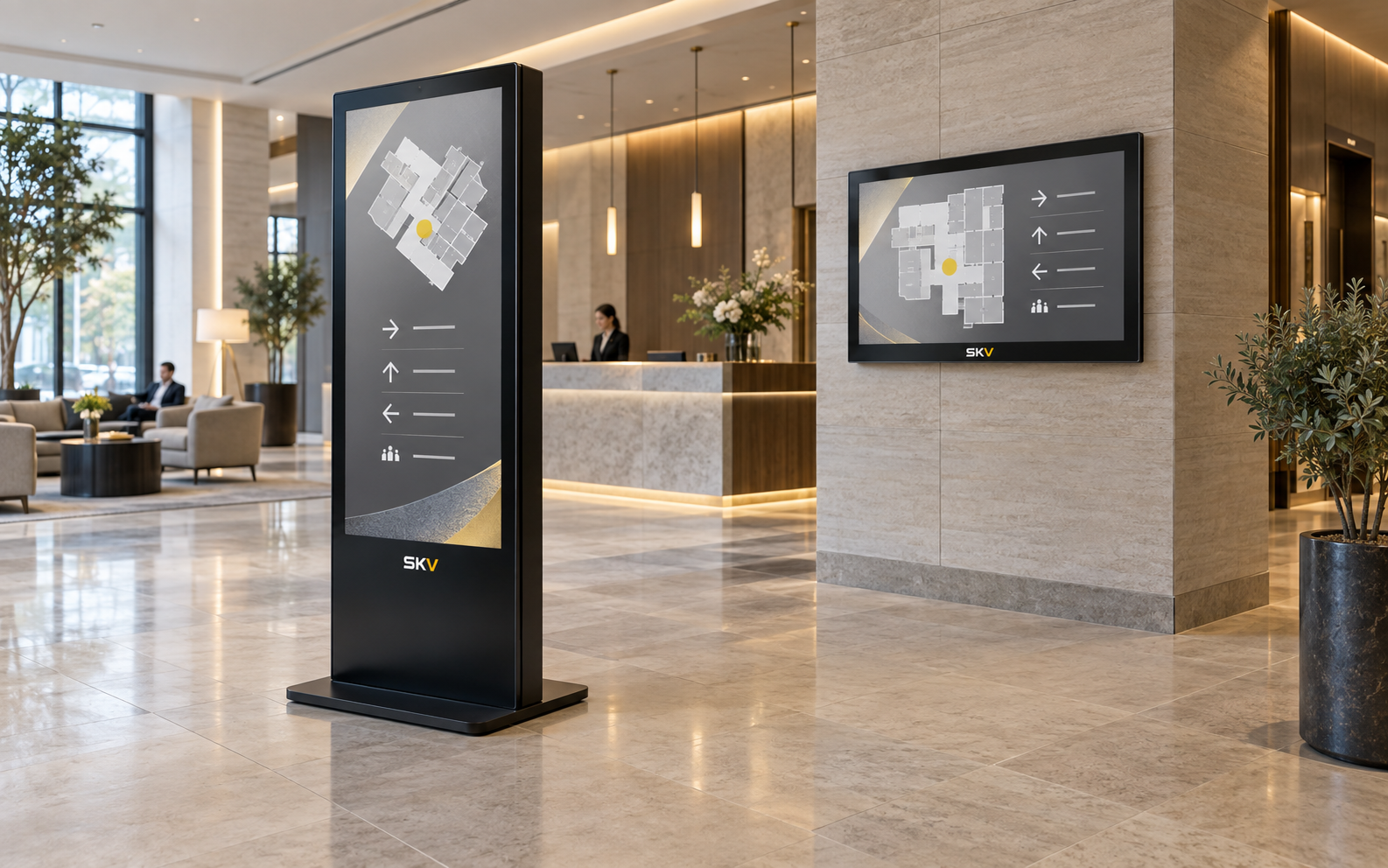
Digital Menu Board Displays
A menu-focused display solution for presenting products, prices, promotions, and service information clearly across food and beverage environments.
Best suited for
- Single or multi-screen layouts
- Clear menu presentation
- Scheduled content options
- Wall and counter planning
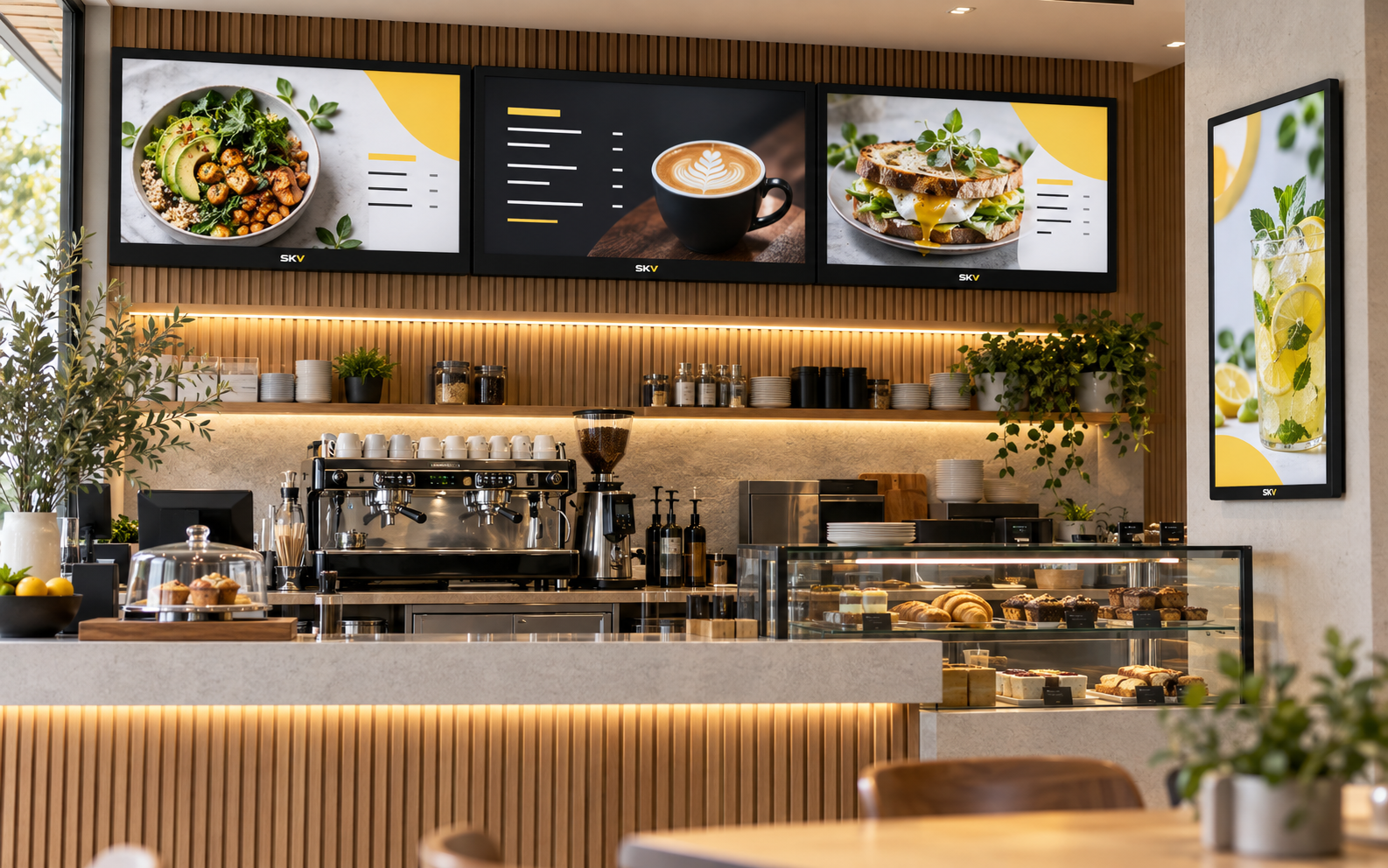
Built around day-to-day commercial use
The final feature set depends on the selected model and content platform.
Commercial Display Options
Choose a display class and format suited to the environment and expected operating schedule.
Flexible Content Playback
Support for common image and video content, with playback options matched to the project.
Remote Content Options
Networked content management can be specified where remote publishing and scheduling are required.
Portrait or Landscape
Plan the screen orientation around the content, viewing distance, and available wall or floor space.
Single or Multi-Screen
Build a focused single-screen display or coordinate content across several locations.
Installation Planning
Mounting, cable routing, access, connectivity, and service needs are considered before installation.
How to choose the right digital signage
Four early decisions help narrow the product options and make quotations more accurate.
Typical configuration options
Use this table as a project checklist rather than a fixed model specification.
| Item | Common Options | Selection Consideration |
|---|---|---|
| Screen format | Landscape, portrait, single screen, or multi-screen | Content layout, viewing distance, and available space |
| Resolution | Full HD or 4K options, depending on model | Content detail, screen size, and viewer distance |
| Brightness | Standard or higher-brightness commercial options | Ambient lighting and placement near windows |
| Content source | USB, integrated player, external player, or networked CMS | Update frequency, number of screens, and user workflow |
| Connectivity | Model-dependent wired and wireless options | Content source, network policy, and installation access |
| Mounting | Wall, floor stand, ceiling, counter, or custom structure | Site conditions, safety, service access, and cable routing |
Digital signage for different business spaces
The product recommendation changes with the environment, content, and installation method.
Retail Stores
Present promotions, product stories, campaign visuals, and customer information.
Recommended: wall-mounted displays or floor-standing kiosks
Restaurants & Cafés
Display menus, promotions, featured items, and service information clearly.
Recommended: digital menu boards or wall-mounted displays
Hotels & Public Spaces
Support wayfinding, event notices, directories, and visitor communication.
Recommended: floor-standing kiosks or information displays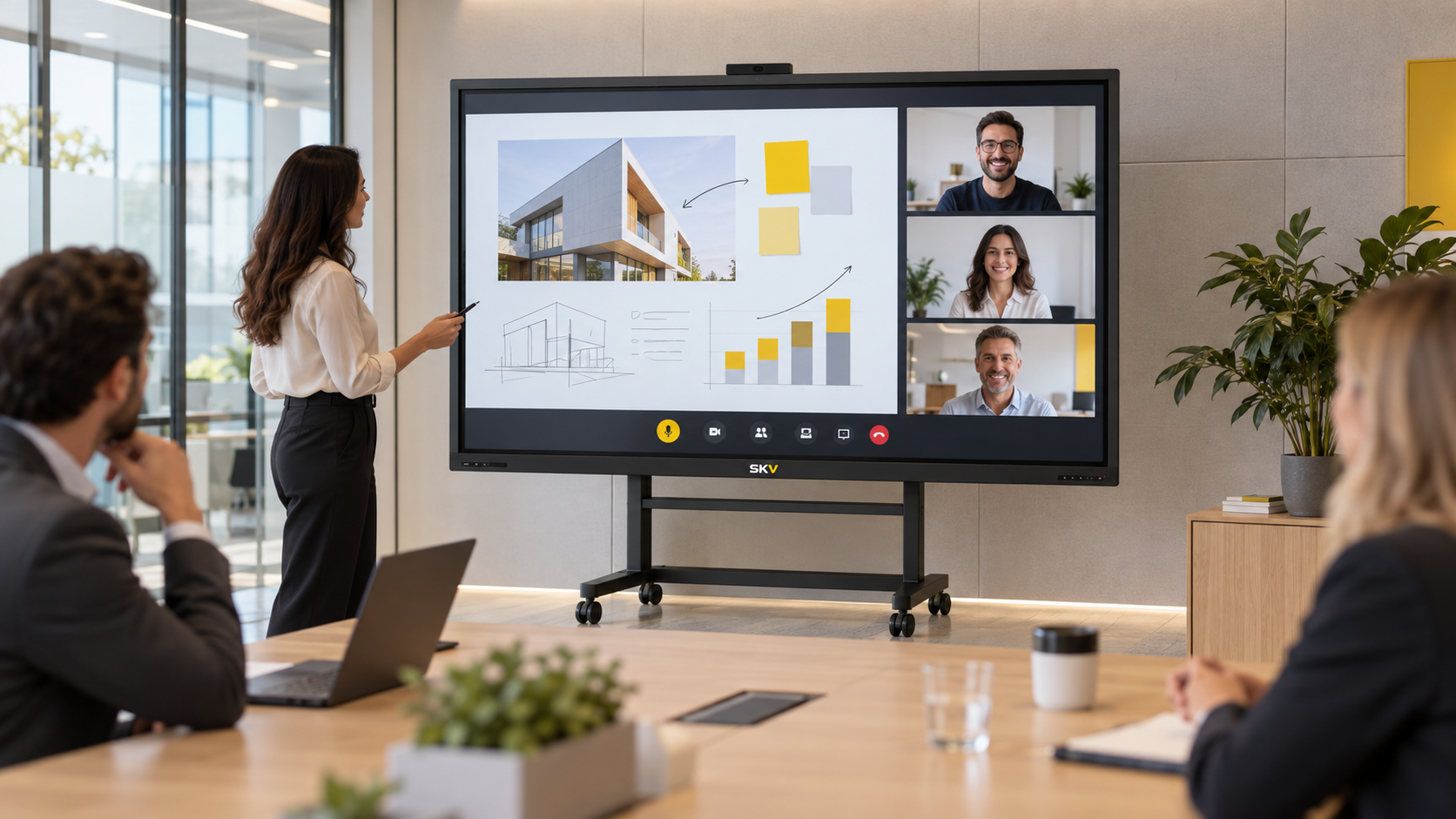
Corporate Offices
Share company updates, room information, dashboards, and internal announcements.
Recommended: wall-mounted displays or multi-screen systems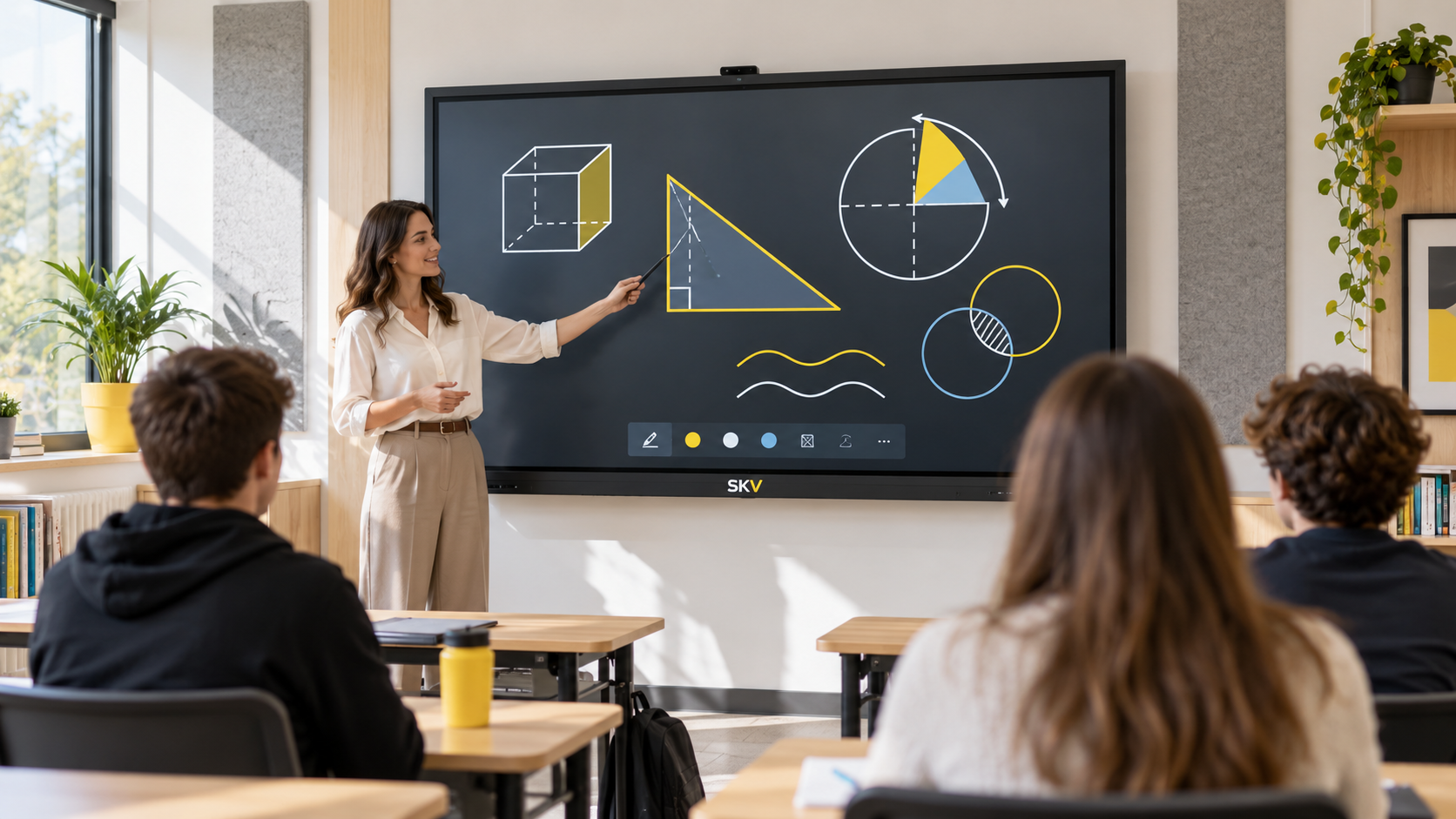
Education Spaces
Communicate schedules, notices, event information, and campus announcements.
Recommended: wall-mounted information displays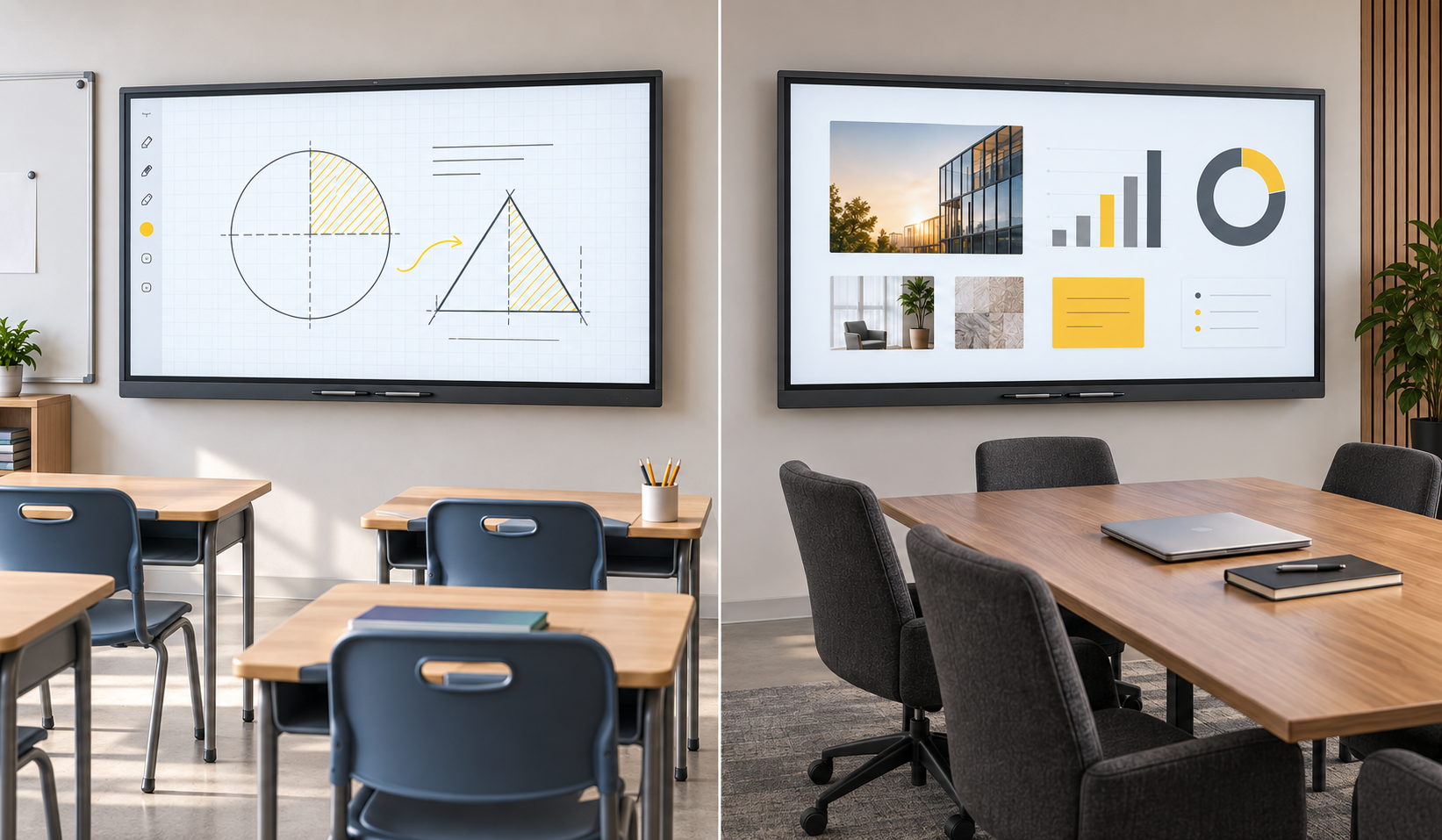
Custom Commercial Projects
Combine display formats, mounting, and content tools around a specific environment.
Recommended: project review before product selectionA clearer way to plan your project
Share the Space
Tell us the location, application, available area, and preferred installation style.
Define the Content
Explain what you want to display and how frequently the content will change.
Match the System
We narrow the screen, mounting, playback, connectivity, and control options.
Confirm the Quote
Final product details and project requirements are confirmed before ordering.
Digital signage FAQ
What is digital signage used for?
Should I choose a wall-mounted display or a floor-standing kiosk?
Can content be updated remotely?
Can the screen be installed vertically?
What information is needed for a quotation?
Are all technical specifications the same?
Tell us about your digital signage project
Share your application, installation space, screen quantity, and content needs. We will help narrow the most suitable solution.