High-Brightness Window Displays
Window-facing commercial displays designed to keep promotions vivid and readable in bright storefront environments.
- Single- or double-sided
- CMS options available
- OEM/ODM configuration
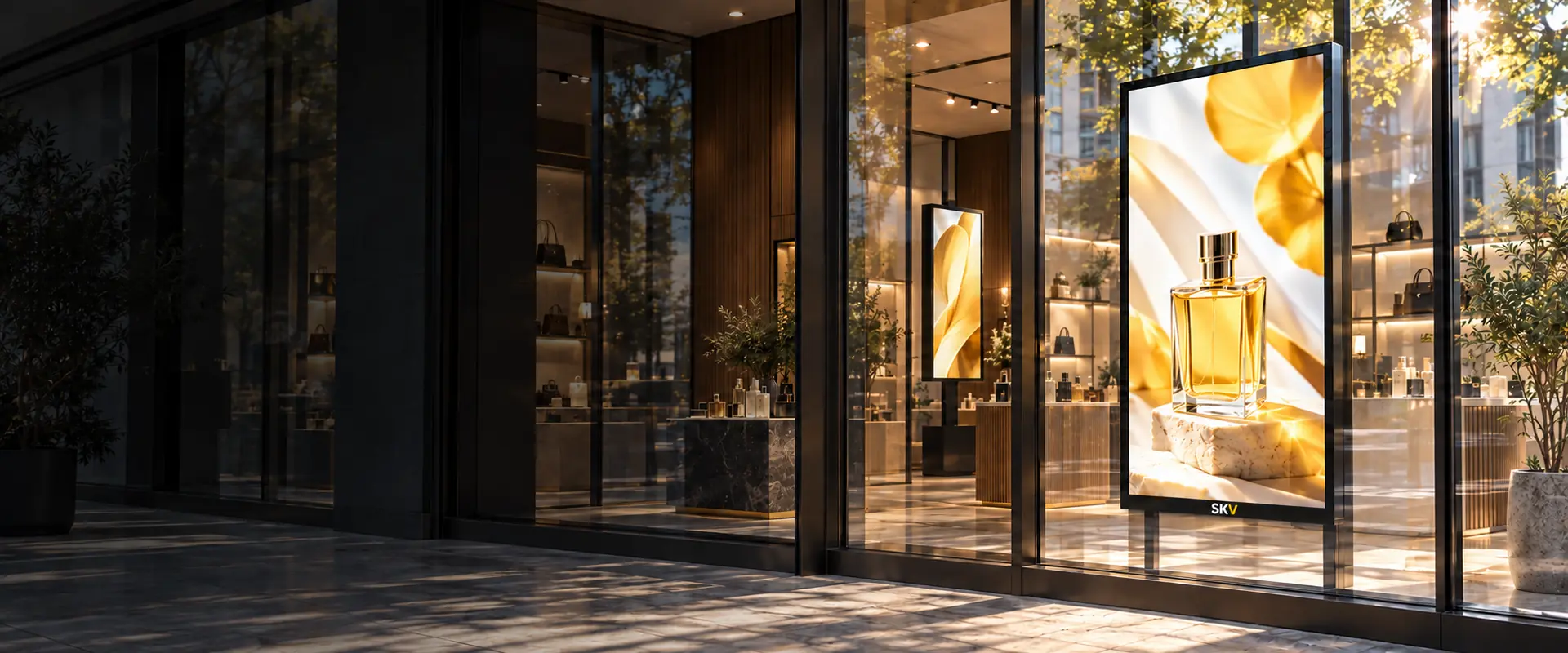
Clearer Content Behind Bright Glass
High-brightness window signage is positioned inside the building and faces outward through storefront glass. The display, brightness level, thermal design and installation format must be matched to the actual window direction and ambient-light conditions.
- Designed for brighter window-facing environments
- Single-sided and double-sided product directions
- Local playback, external player or remote CMS configurations
- Brightness and installation selected for the window environment
High-Brightness Window Displays for Different Projects
First choose whether content is viewed from one side or two. Then match the mounting format, brightness, orientation and content system to the storefront environment.
Single-Sided Window Displays
A window-facing screen for content viewed from outside the store, while the rear enclosure faces the interior.
- Outward-facing storefront content
- Portrait or landscape options
- Local playback or CMS options
Double-Sided Window Displays
Two display faces support storefront communication outside and customer-facing content inside the commercial space.
- Content visible in two directions
- Different brightness needs by side
- Project-specific support structure
Floor-Standing Window Displays
Freestanding high-brightness display formats for window zones where direct wall mounting is not preferred.
- Flexible position inside the storefront
- Portrait advertising format
- Base and cable routing options
Suspended Window Displays
Hanging display formats for storefronts that need clear floor space and elevated viewing positions.
- Single- or double-sided direction
- Ceiling support confirmed by project
- CMS configuration available
Configured for Brighter Storefront Environments
Final features depend on the selected model. SKV can match the brightness direction, thermal design, display format and installation to the actual window conditions.
High-Brightness Panel Options
Brightness must be selected around ambient light, glass conditions, viewing distance and expected operating schedule.
Single- or Double-Sided
Choose one outward-facing display or a dual-view configuration for both external and internal audiences.
Content Management
Use local playback, an external media player or a compatible remote CMS according to the deployment.
Brightness Control Options
Compatible models may support scheduled or sensor-based brightness adjustment according to project requirements.
Flexible Installation Formats
Wall-mounted, floor-standing or suspended formats can be considered according to the storefront structure.
Thermal & Ventilation Planning
Window exposure, heat accumulation, ventilation and service access should be reviewed before final model selection.
Match the Display to the Window
Select the basic project requirements. The summary can be included when you contact SKV for a recommended configuration.
Retail Storefront · Bright Daylight · Single-Sided · Portrait
Make Storefront Content Visible in Bright Conditions
Window-facing displays are commonly used where promotional content must compete with daylight, reflections and bright commercial surroundings.
Retail Advertising
Promotions, product launches, brand campaigns and in-store information.
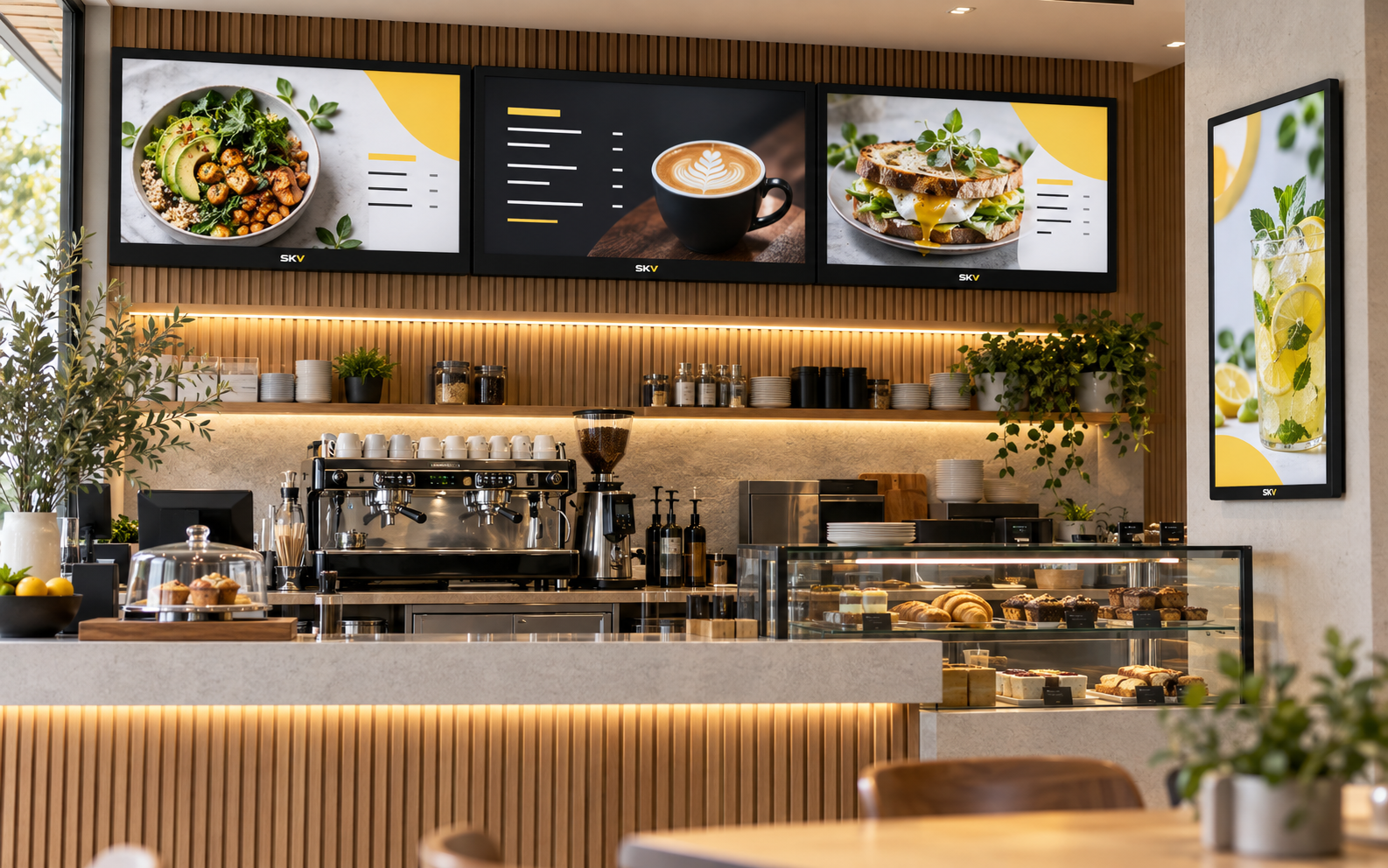
Real Estate Windows
Property listings, agency branding and frequently updated window promotions.
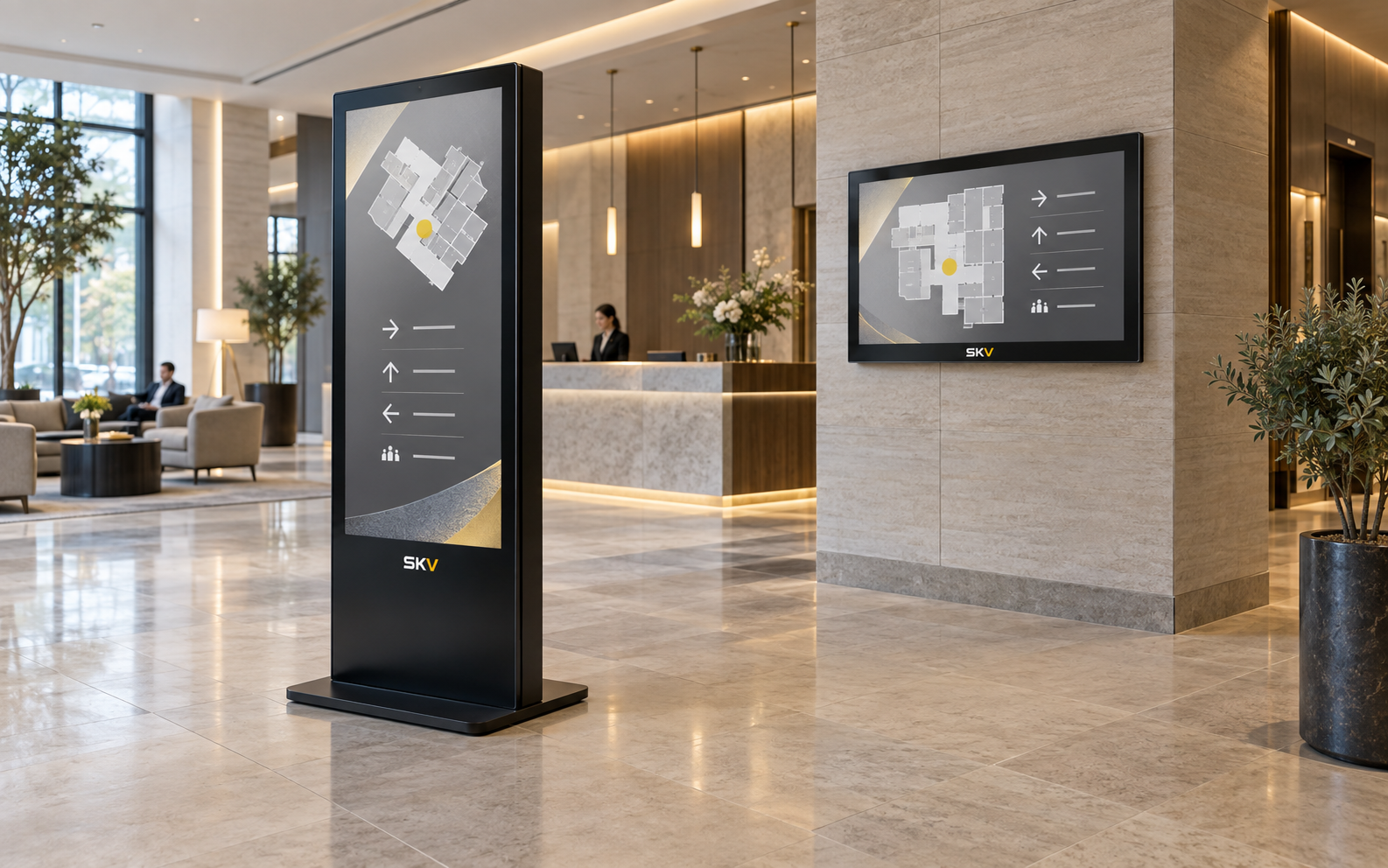
Auto Showrooms
Vehicle promotions, campaign content and product highlights behind showroom glass.
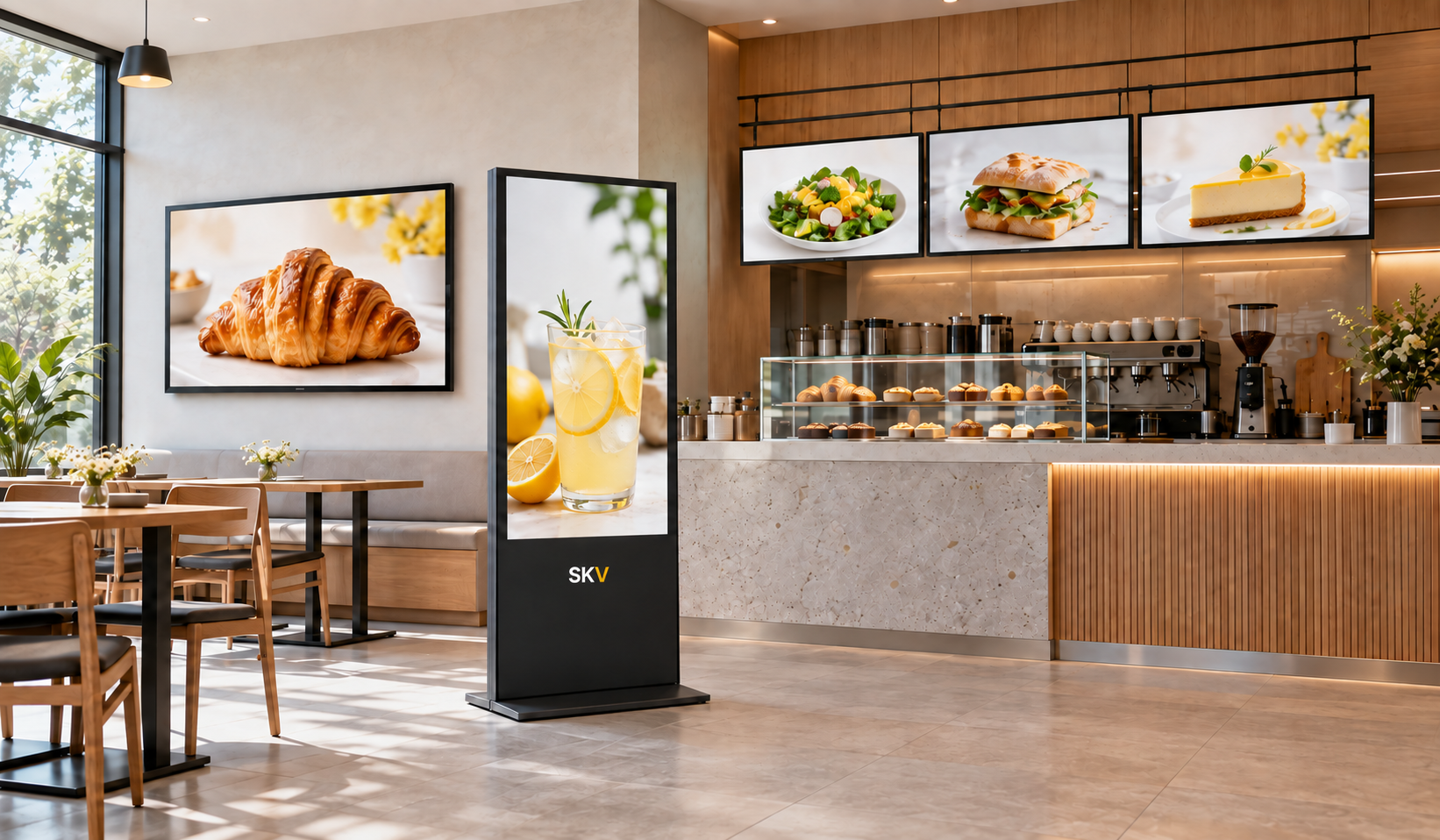
Banks & Service Windows
Rates, service information, campaigns and customer-facing announcements.
Shopping Malls
Storefront promotions, seasonal campaigns and tenant-facing advertising.
Travel & Ticket Offices
Offers, schedules, destination content and services presented through windows.
Build the Specification Around the Project
The table below shows the main configuration areas. Exact values should be confirmed against the selected model before publication or quotation.
| Category | Configuration Area | Available Direction |
|---|---|---|
| Display | Screen size, resolution, brightness, panel type | Selected according to viewing distance and ambient light |
| Orientation | Portrait or landscape; single- or double-sided | Matched to window proportions and viewing direction |
| Operation | Expected daily operating schedule and environment | Commercial duty cycle confirmed by selected model |
| System | Android, Windows or external media player | Chosen around software and content requirements |
| Content | USB playback, scheduled playback or remote CMS | Single-screen or multi-location management options |
| Connectivity | Video input, USB, network and wireless options | Final port configuration depends on the selected model |
| Installation | Wall-mounted, floor-standing or suspended support | Confirmed against glass, structure, ventilation and service access |
| Optional | Touch, custom branding, housing and accessories | Subject to model compatibility and project quantity |
Important: publish exact dimensions, brightness, operating hours, certifications and system specifications only after the final model has been confirmed.
Configured Around Your Project
Tell us where the display will be installed, what content it will show and how it will be managed. We can then discuss the suitable hardware and customization direction.
Discuss Your RequirementsHigh-Brightness Window Display FAQ
Common questions about installation, content management and project configuration.
What is a high-brightness window display?
It is a commercial display installed inside a building and aimed outward through storefront glass. Higher brightness helps content remain visible against daylight and reflections. The required level depends on the actual window environment.
Is a window-facing display the same as an outdoor display?
No. A window-facing display is normally installed indoors behind glass, while an outdoor display requires a weather-resistant structure and outdoor environmental protection.
How much brightness does my storefront need?
It depends on window direction, direct sunlight, glass treatment, viewing distance and operating hours. These conditions should be reviewed before confirming a model or publishing a brightness value.
Can multiple displays be managed remotely?
A compatible CMS can be discussed for remote content publishing, scheduling and multi-screen management. The best option depends on the number of screens, locations and network environment.
What is the difference between single-sided and double-sided?
A single-sided model presents content mainly toward the window. A double-sided model adds a second display face for viewers inside the store; the two sides may require different brightness levels.
Can brightness change automatically?
Compatible models may support scheduled or sensor-based brightness adjustment. Availability and control method must be confirmed for the selected hardware.
What installation formats are available?
Depending on the project, wall-mounted, floor-standing and suspended formats can be discussed. The storefront structure, ventilation, cable routing and service access must be considered.
What information is needed for a quotation?
Please share the application, quantity, preferred screen size, installation orientation, operating schedule, content-management method, destination country and any touch or branding requirements.
Need Help Choosing a High-Brightness Display?
Share your application, installation space and content requirements. SKV can help identify the right configuration direction for your project.