Wall-Mounted Digital Signage Displays
Flexible commercial displays for advertising, digital menu boards, corporate communication and real-time information delivery.
- Landscape or portrait
- CMS options available
- OEM/ODM configuration
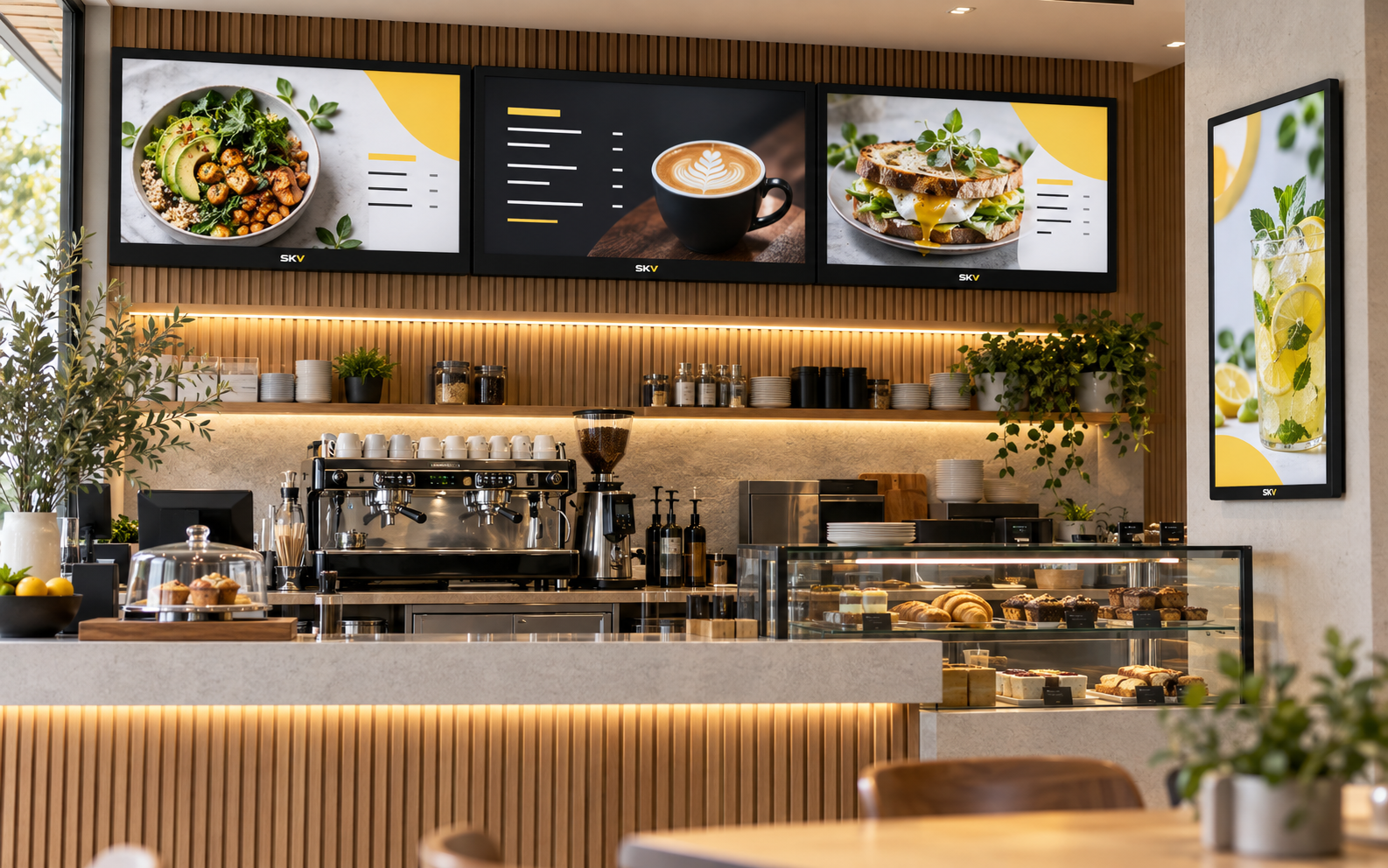
More Than a Screen on the Wall
Wall-mounted digital signage combines a commercial display, secure installation and a suitable content source into one practical communication system. It can support promotions, menus, notices, directories and brand content across a wide range of business spaces.
- Designed around longer commercial operating requirements
- Flexible landscape, portrait and multi-screen layouts
- Local playback, external player or remote CMS configurations
- Mounting and connectivity selected for the installation environment
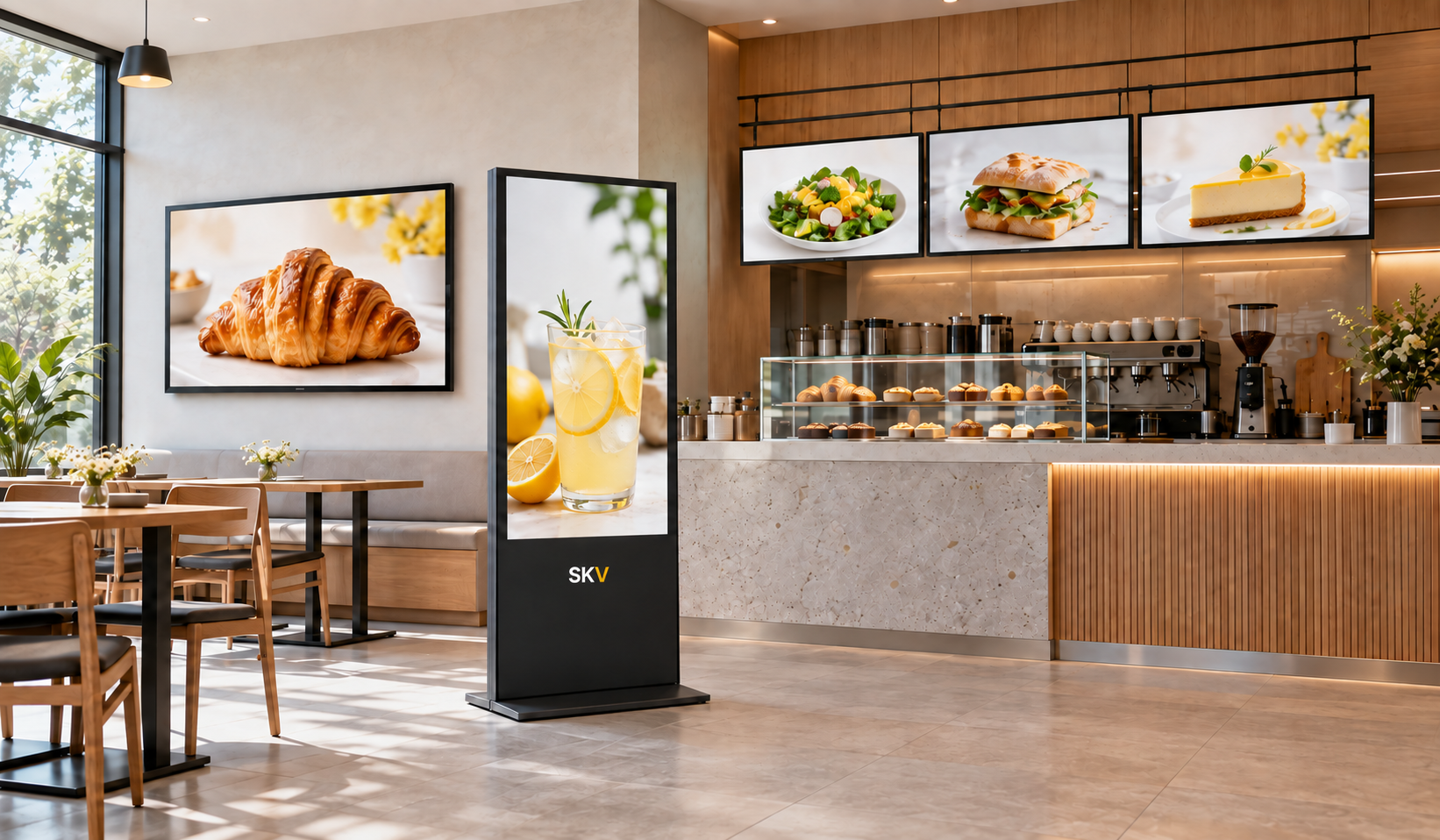
Wall-Mounted Displays for Different Projects
Start with the installation and application. The final screen, operating system, connectivity and mounting configuration can then be matched to the project.
Standard Commercial Displays
A flexible starting point for everyday advertising, information and corporate communication.
- Landscape or portrait installation
- Multiple system configurations
- Suitable for single-screen projects
Ultra-Slim Advertising Displays
A refined display direction for modern retail, showrooms, reception areas and design-led interiors.
- Clean commercial appearance
- Space-conscious installation
- Brand-focused presentation
Touch-Enabled Wall Displays
Optional interaction for product browsing, directories, information access and guided customer experiences.
- Touch configuration available
- Interactive content applications
- Project-specific software matching
Multi-Screen Menu Board Systems
Coordinated wall-mounted displays for restaurants, cafés, food-service counters and multi-panel promotions.
- Single or multi-screen layouts
- Scheduled menu and promotion content
- CMS configuration available
Configured for Reliable Commercial Communication
Final features depend on the selected model. SKV can match the display, system and mounting direction to the project requirements.
Commercial Display Options
Panel and operating configuration can be selected around the expected application and daily usage.
Flexible Orientation
Choose landscape, portrait or coordinated multi-screen layouts according to the content and installation space.
Content Management
Use local playback, an external media player or a compatible remote CMS according to the deployment.
System Flexibility
Android, Windows or external-player configurations can be discussed based on software and content requirements.
Mounting Compatibility
Wall brackets and mounting direction are selected with the display size, wall condition and service access in mind.
Optional Interaction
Touch capability and related software requirements can be evaluated for directories and interactive information projects.
Choose the Right Display Direction
Select the basic project requirements. The summary can be included when you contact SKV for a recommended configuration.
Retail · Landscape · Local Playback · Non-Touch
Display Content Where Customers Need It
Wall-mounted digital signage can support promotion, information and communication across customer-facing and internal environments.
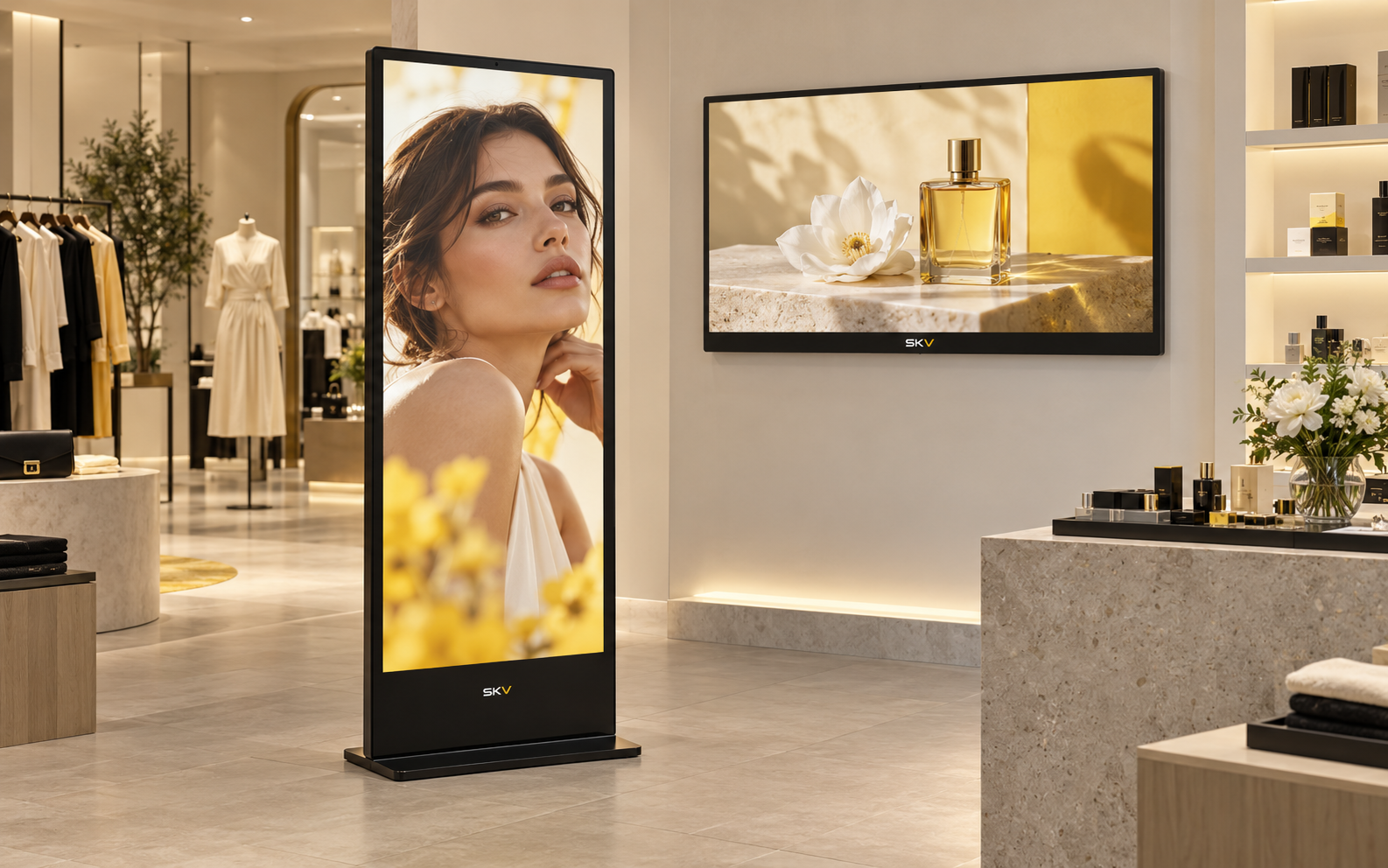
Retail Advertising
Promotions, product launches, brand campaigns and in-store information.
Restaurants & Cafés
Digital menus, promotions, service information and multi-screen content.
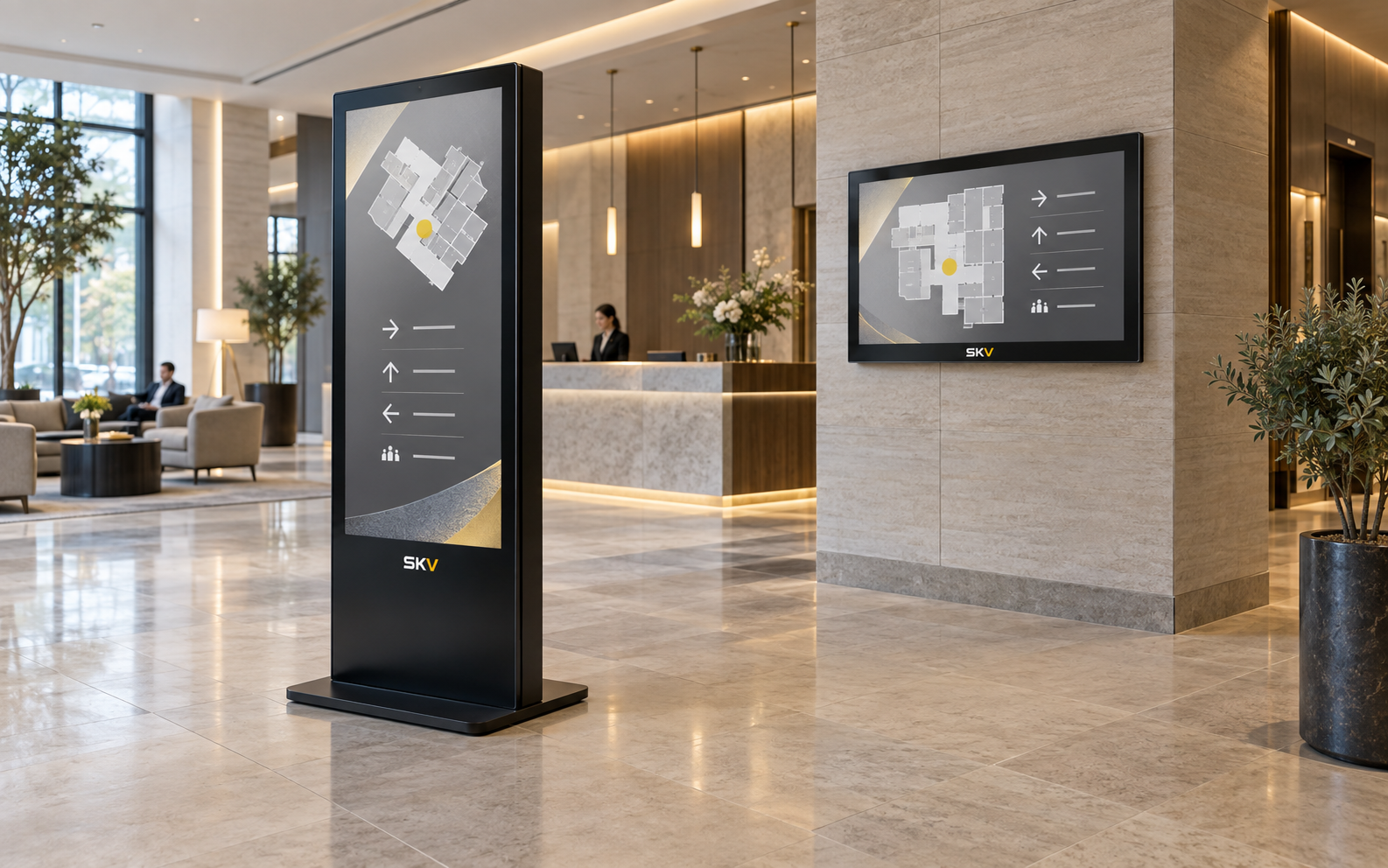
Hotels & Public Spaces
Welcome information, directions, event notices and guest communication.
Corporate Communication
Company updates, KPI information, schedules and internal announcements.
Healthcare Information
Service guidance, queue information, notices and public communication.
Wayfinding & Directories
Maps, directories, visitor guidance and interactive information options.
Build the Specification Around the Project
The table below shows the main configuration areas. Exact values should be confirmed against the selected model before publication or quotation.
| Category | Configuration Area | Available Direction |
|---|---|---|
| Display | Screen size, resolution, brightness, panel type | Selected according to viewing distance and ambient light |
| Orientation | Landscape, portrait or multi-screen layout | Matched to content format and installation space |
| Operation | Expected daily operating schedule and environment | Commercial duty cycle confirmed by selected model |
| System | Android, Windows or external media player | Chosen around software and content requirements |
| Content | USB playback, scheduled playback or remote CMS | Single-screen or multi-location management options |
| Connectivity | Video input, USB, network and wireless options | Final port configuration depends on the selected model |
| Installation | Wall bracket, VESA pattern and service access | Confirmed against display size and wall condition |
| Optional | Touch, custom branding, housing and accessories | Subject to model compatibility and project quantity |
Important: publish exact dimensions, brightness, operating hours, certifications and system specifications only after the final model has been confirmed.
Configured Around Your Project
Tell us where the display will be installed, what content it will show and how it will be managed. We can then discuss the suitable hardware and customization direction.
Discuss Your RequirementsWall-Mounted Digital Signage FAQ
Common questions about installation, content management and project configuration.
What is a wall-mounted digital signage display?
It is a commercial display system installed on a wall for advertising, menus, information, directories or internal communication. The complete project may include the display, bracket, media source and content-management method.
How is commercial digital signage different from a consumer TV?
Commercial displays are selected around business operating schedules, installation orientation, connectivity, remote management and deployment requirements. The exact differences depend on the selected commercial model.
Can the display be installed vertically?
Portrait installation is available for compatible models. The mounting method, content format and ventilation requirements should be confirmed before installation.
Can multiple displays be managed remotely?
A compatible CMS can be discussed for remote content publishing, scheduling and multi-screen management. The best option depends on the number of screens, locations and network environment.
Can wall-mounted displays be used as digital menu boards?
Yes. Single or multiple wall-mounted screens can form a digital menu board system for restaurants, cafés and food-service counters, with local or remotely managed content.
Is touch functionality available?
Touch can be considered for compatible display configurations. The intended software, touch points and installation environment should be provided so compatibility can be checked.
Are wall brackets included?
Bracket requirements should be confirmed with the selected display size, VESA pattern, wall structure and service-access needs. SKV can discuss suitable mounting accessories as part of the project.
What information is needed for a quotation?
Please share the application, quantity, preferred screen size, installation orientation, operating schedule, content-management method, destination country and any touch or branding requirements.
Need Help Choosing a Wall-Mounted Display?
Share your application, installation space and content requirements. SKV can help identify the right configuration direction for your project.